If you have lost or forgotten your server password, you can reset it using the following steps:
Login to the dashboard using your account.
Open your servers page.
Click on the server you want to reset the password for.
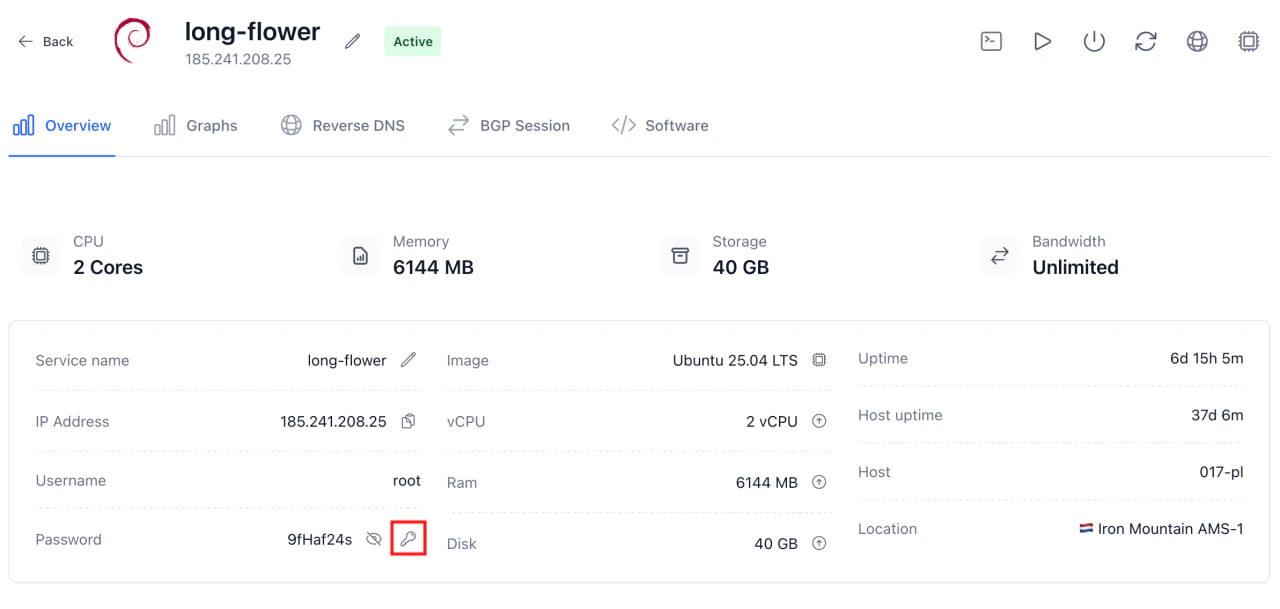
Press the button “Reset Password”:
This functionality works for both Linux and Windows servers. The password will be reset to a new random password, which will be displayed on the screen. You can then use this new password to access your server via SSH or RDP.